How to escape police in GTA 6: pursuit and recognition
Which indicators matter during a pursuit, when appearance changes help and why hiding indefinitely is risky. Based on TechRadar and PowerPyx.

These instructions are based on the published sources below. GGFLEX has not tested the steps in-game.
Watch the threat indicators
Rockstar’s David Hynd tells TechRadar that police are absent from the radar. During an escape, use awareness and threat indicators alongside the minimap.

Use corners to create distance
Hynd describes an escape window when a successful manoeuvre makes a pursuer miss a corner or spin out. Use it to gain distance; clearing your wanted level is not guaranteed.
Change recognizable clothing
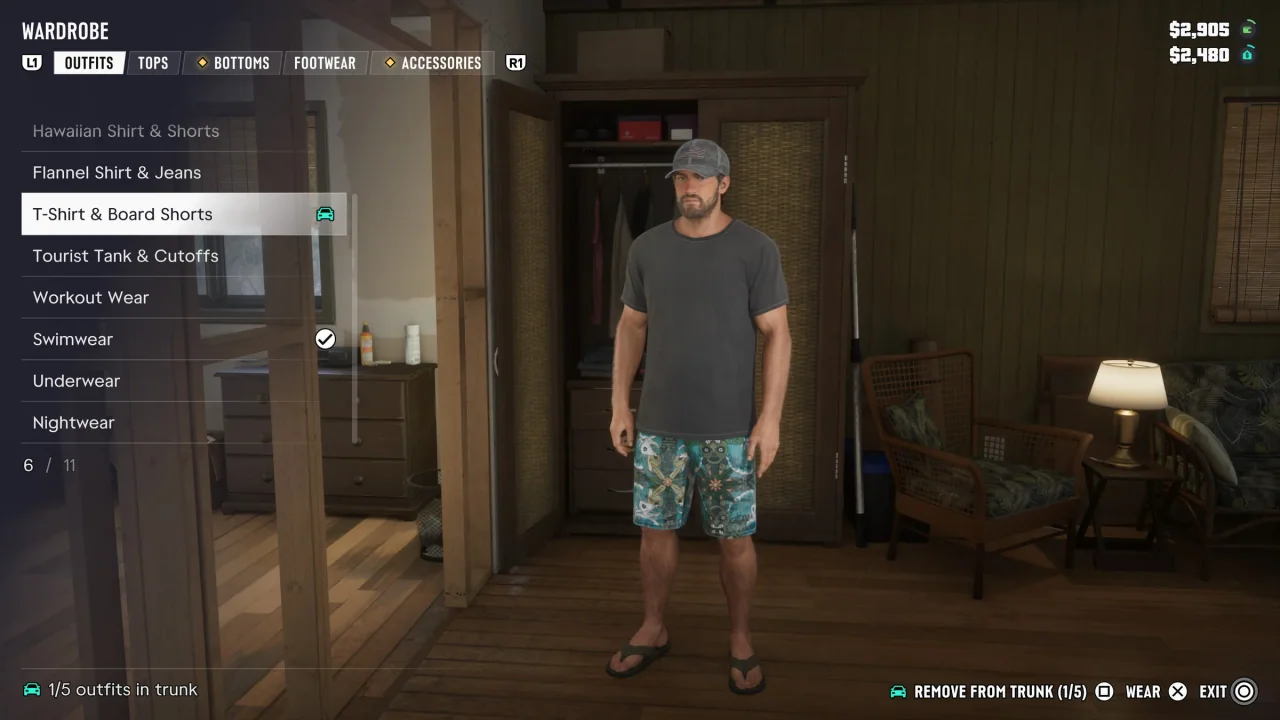
PowerPyx says the item wheel lets you equip or remove a bandana, glasses and a hat to make recognition harder. It also points to red icons at the upper right after a crime. Changing appearance can help you evade recognition, without guaranteeing that every wanted level disappears.
Do not rely on one hiding spot
Hynd also mentions K9 units that can flush out an inactive player. Use cover to plan your next move. The source gives no universal safe waiting time.