How to save in GTA 6 and protect your progress
Where to find Save Game, how separate slots help and why saving can be unavailable. Based on PC Gamer and PowerPyx instructions.
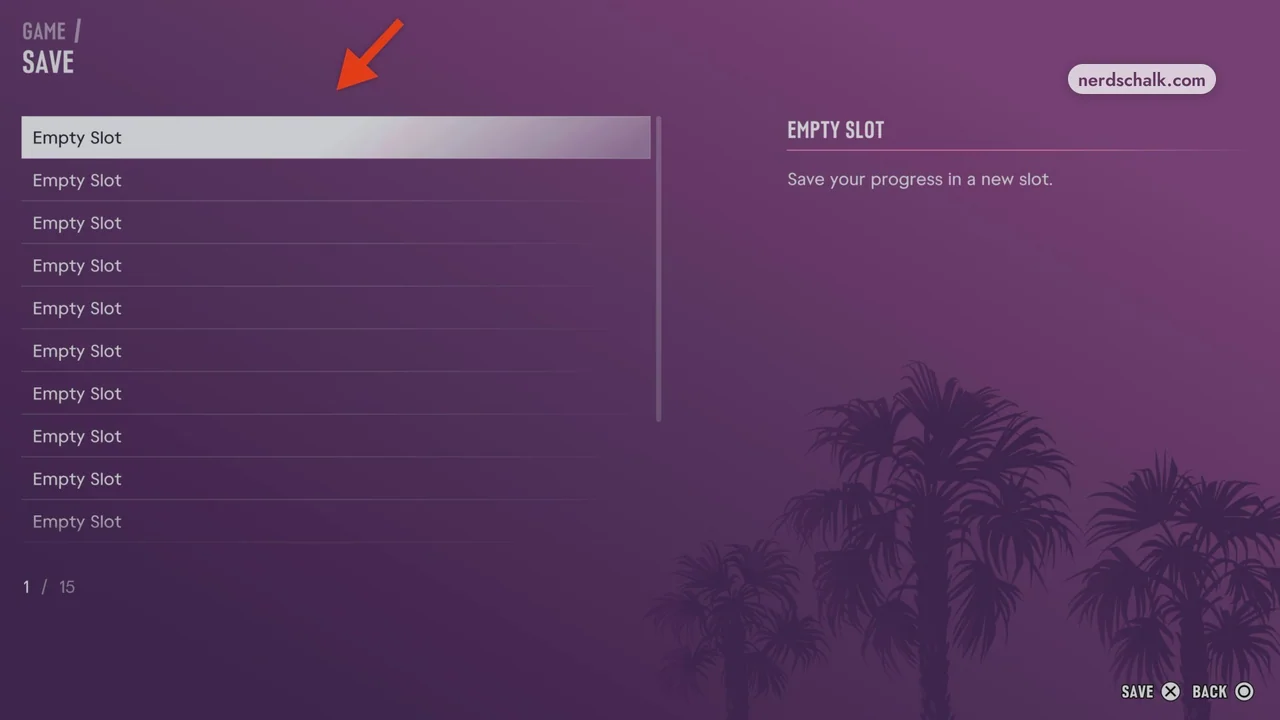
These instructions are based on the published sources below. GGFLEX has not tested the steps in-game.
Open the manual save menu
During free roam, pause with Options on PS5 or Menu on Xbox. Open Game → Save Game and choose a slot. PC Gamer and PowerPyx document this route. Menu names are kept in English so you can match them to the interface.
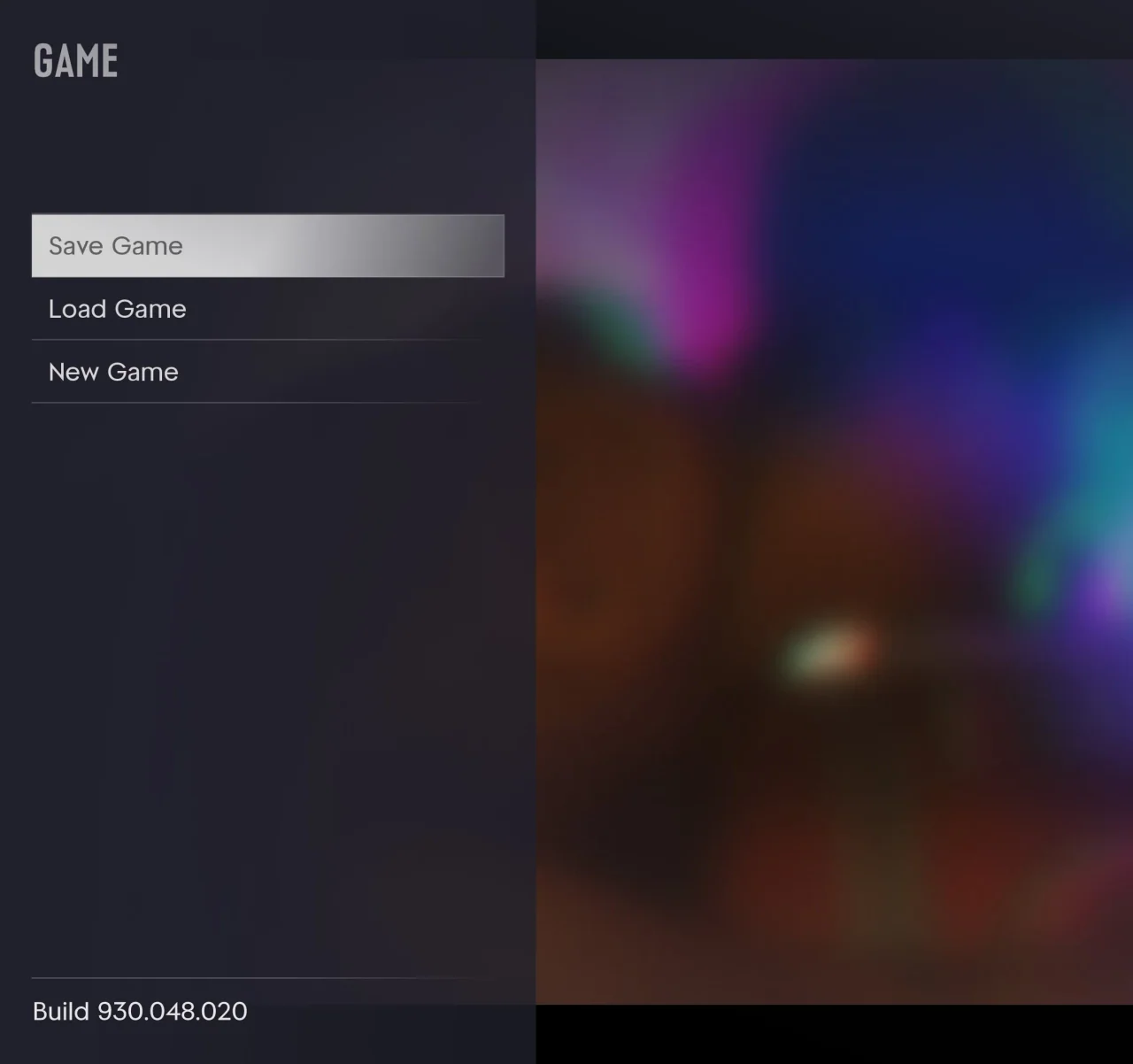
Why Save Game can be unavailable
PowerPyx says manual saving is usually unavailable during missions: finish the assignment and return to free roam. PC Gamer describes another restriction: using cheats disables saving until you leave the current game session. A greyed-out option alone does not establish that your saves are broken.
Keep more than one checkpoint
Both sources report 15 manual slots. Keep a separate file before an important story milestone and rotate several others for everyday play. Check the selected slot before overwriting it. This gives you an earlier checkpoint if you later want to revisit that part of the game.
Treat autosave as a changing checkpoint
PowerPyx warns that loading an older manual file overwrites the autosave. Before returning to an earlier episode, save your current progress in a different manual slot. Do not assume autosave will preserve a backup of the later playthrough.