How to choose a navigation mode
Dynamic, Dynamic with Compass and Always On, plus how to change your choice.
Based on external instructions
Checked against sources · 2026-11-18
These instructions are based on the published sources below. GGFLEX has not tested the steps in-game.
Three initial options
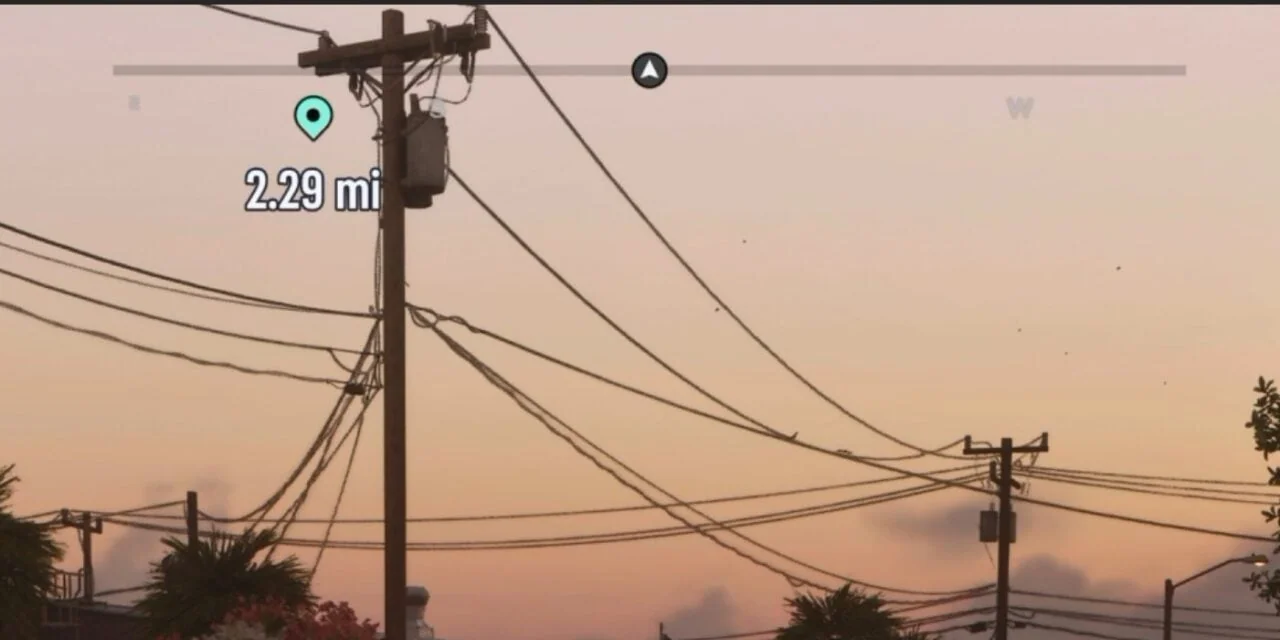
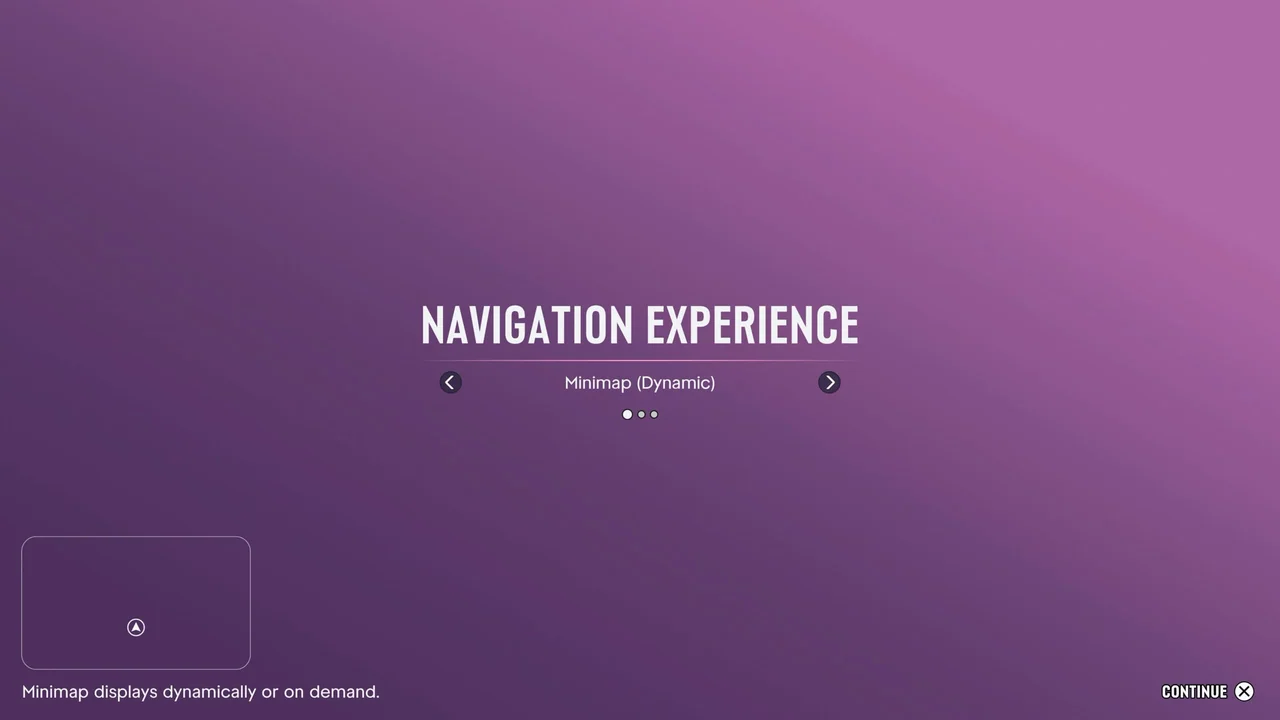
VGC explains that Minimap (Dynamic) hides the minimap in quiet moments; the D-pad brings it back. Minimap and Compass (Dynamic) adds personal and mission markers and nearby points of interest. Always On keeps navigation visible.
You can change it
VGC confirms that individual navigation elements can be changed in settings. Our suggestion: start with Always On while learning the roads, then try Dynamic. This is a preference, not a mission requirement.