How to steal cars in GTA 6: scans, keys and trackers
What to check with Waink It, when Clone Key is needed and how Standard and Advanced Trackers differ. Based on two PC Gamer guides.
These instructions are based on the published sources below. GGFLEX has not tested the steps in-game.
Scan before breaking in
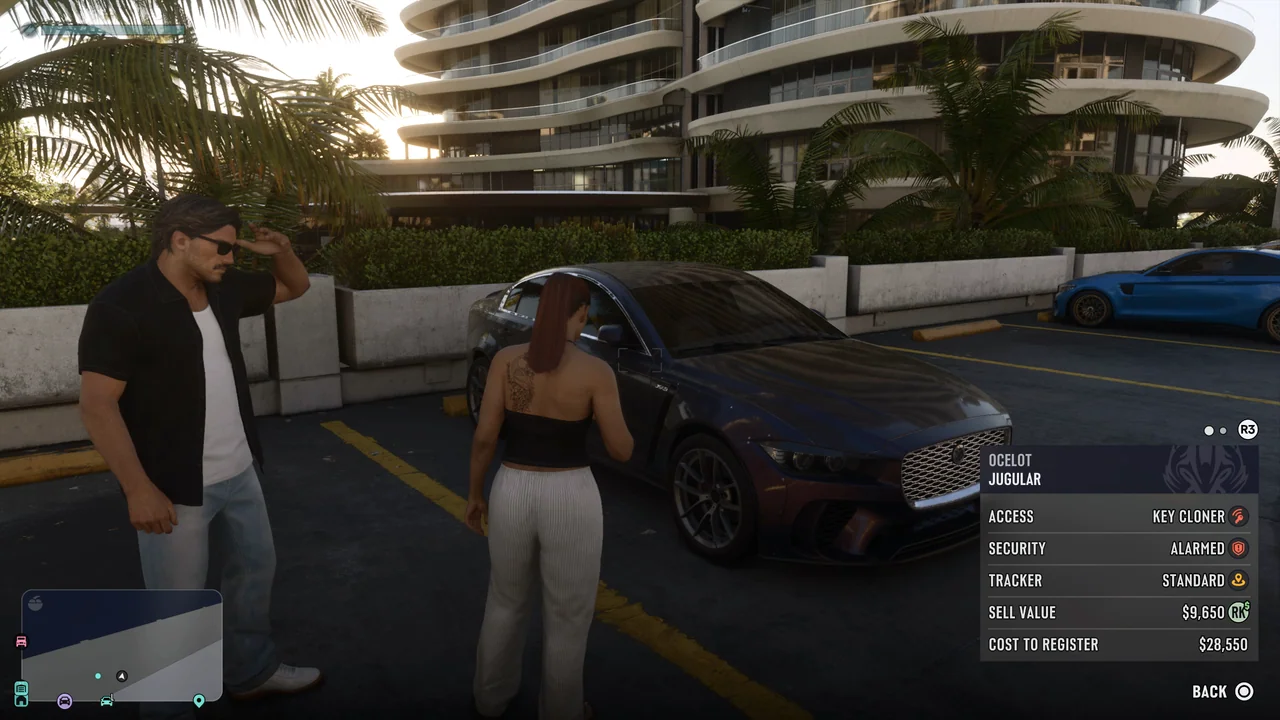
PC Gamer says Waink It identifies locks, alarms, keyless ignition and trackers, alongside vehicle condition and value. The app unlocks in Chapter 1 through Unwanted Attention. Scan first to check whether your current tools are sufficient.
Standard locks and the Slim Jim
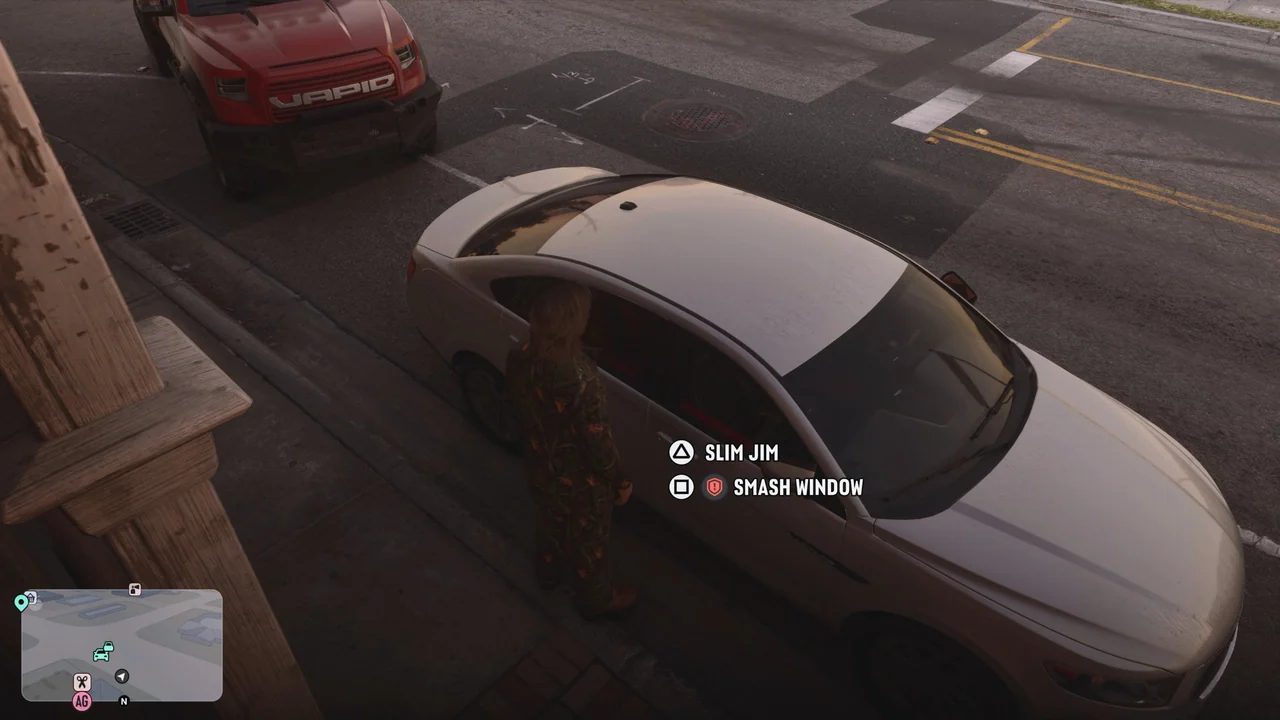
Breaking a window can trigger an alarm. The Chapter 2 Slim Jim opens standard locks quietly but cannot start keyless cars. PC Gamer also warns that it cannot be used with a driver already inside. See the separate car-alarm guide for its unlock requirements.
Keyless ignition: Clone Key
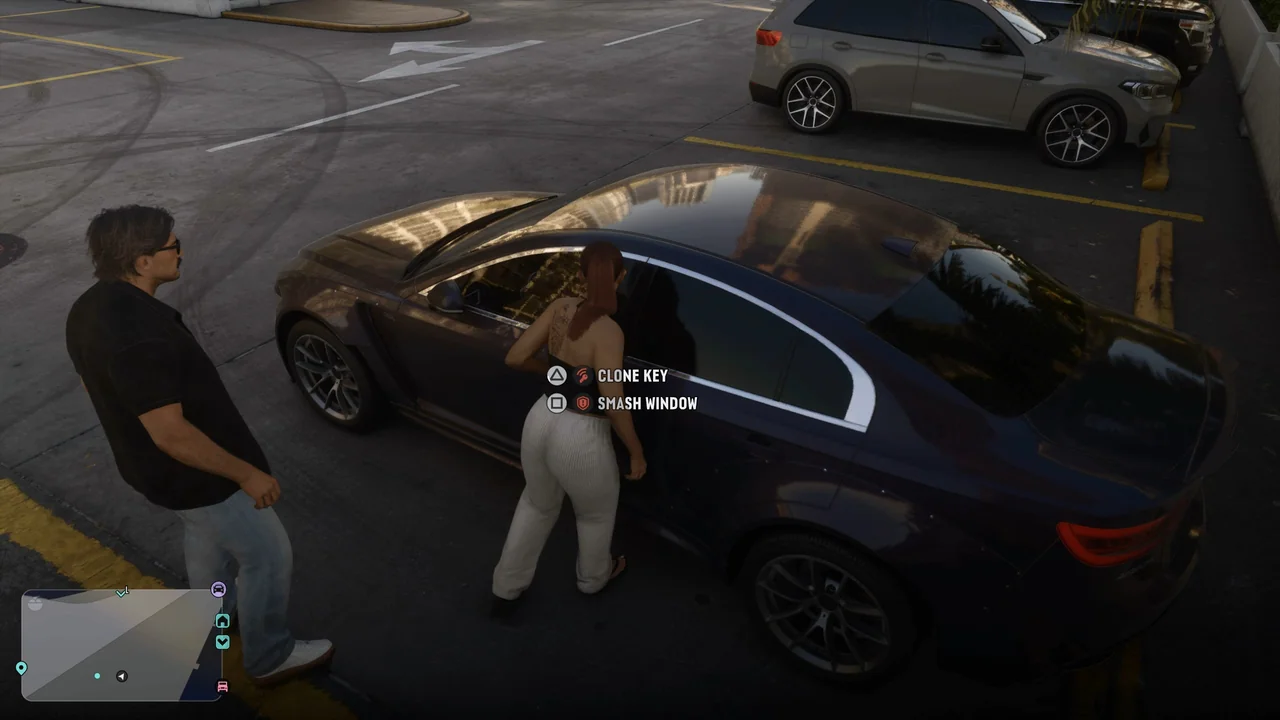
PC Gamer’s key-cloning guide places the unlock in Chapter 3 during Steal the Zorruso for Randy. Interact beside the door, select Clone Key and use the stick to find the position that speeds up the process. The device unlocks and starts the car.
A cloned key does not solve tracking
The same guide distinguishes Standard Trackers, which restrict modifications until registration, from Advanced Trackers that relay your location to police. Cloning a key does not disable a tracker. Check garage restrictions before trying to register the car; they change with story progression.